
Online booking system for garages
The simple booking system for garages.
MOTs, services and diagnostics booked into real slots, the workshop day laid out by bay or by mechanic, a reminder when the MOT is due again, and the invoice one click from the booking.
- Reduce no-shows
- Set up in minutes
- Get more bookings
Free for 20 bookings a month. No card, no contract, no commission.
The phone rings under the ramp
Hands in an engine, phone against your ear
A workshop day is planned in bay-hours. Every booking call interrupts a job, and every no-show leaves a ramp earning nothing.
Booked between torque settings
The counter phone does not care that you are under a car. Every MOT booked by phone is a job interrupted and a detail half-heard.
The no-show MOT
A 45-minute MOT slot that nobody arrives for is a ramp, a tester and an hour. And the customer who wanted that slot went elsewhere.
An MOT is not a clutch job
When everything is booked as 'car in', the day cannot be planned. Slot lengths that match the work are the whole game.
Try it
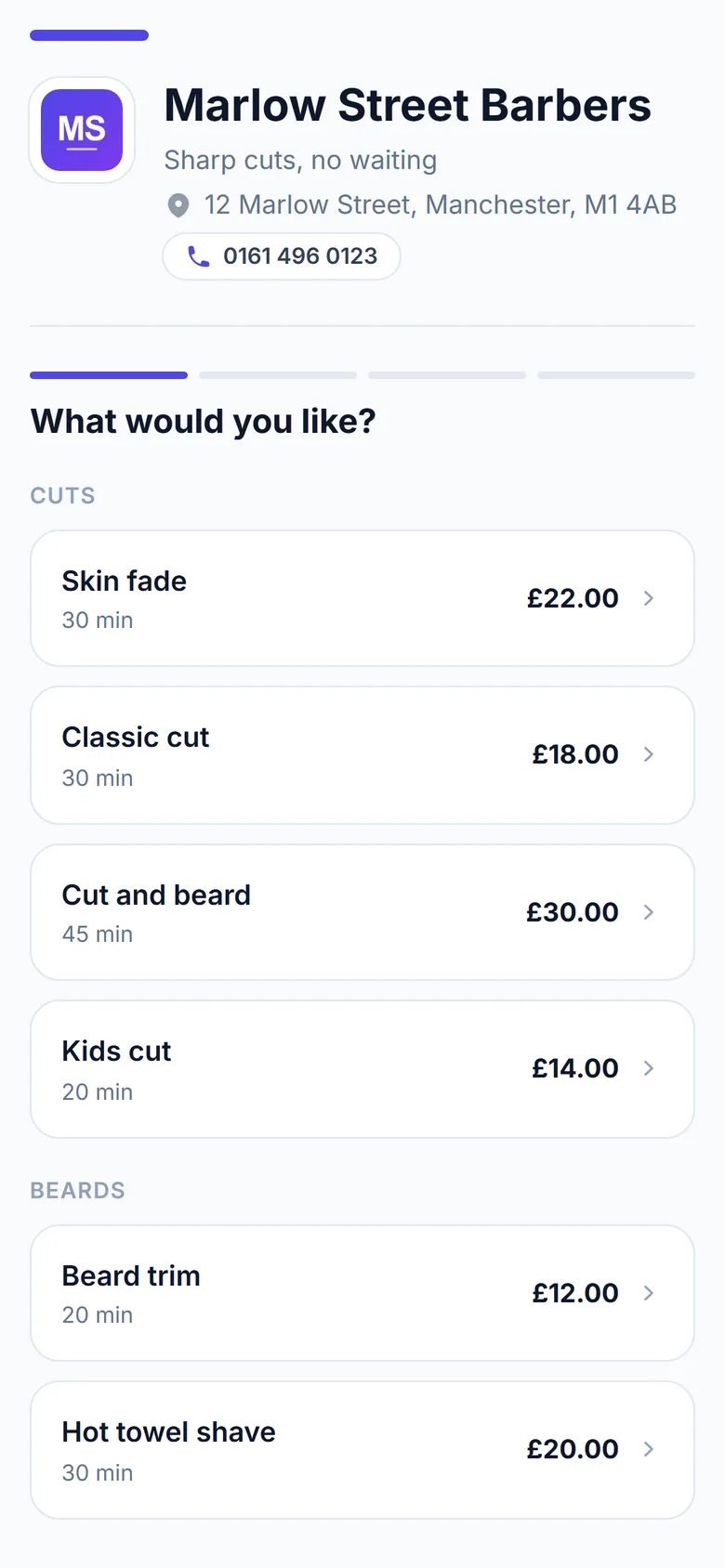
Book yourself in, the way your customers will.
Four taps on the phone, and watch the booking land in the diary beside it. That is all your customers see: no app, no account, no password to invent.
Bridgend Motors
Unit 4, Inveralmond, Perth
What would you like?
Booking by FullDiary
The workshop's diary, Mon 28
What the workshop seesBook on the phone and watch it land here. Nothing is saved - it is a picture of the real thing.
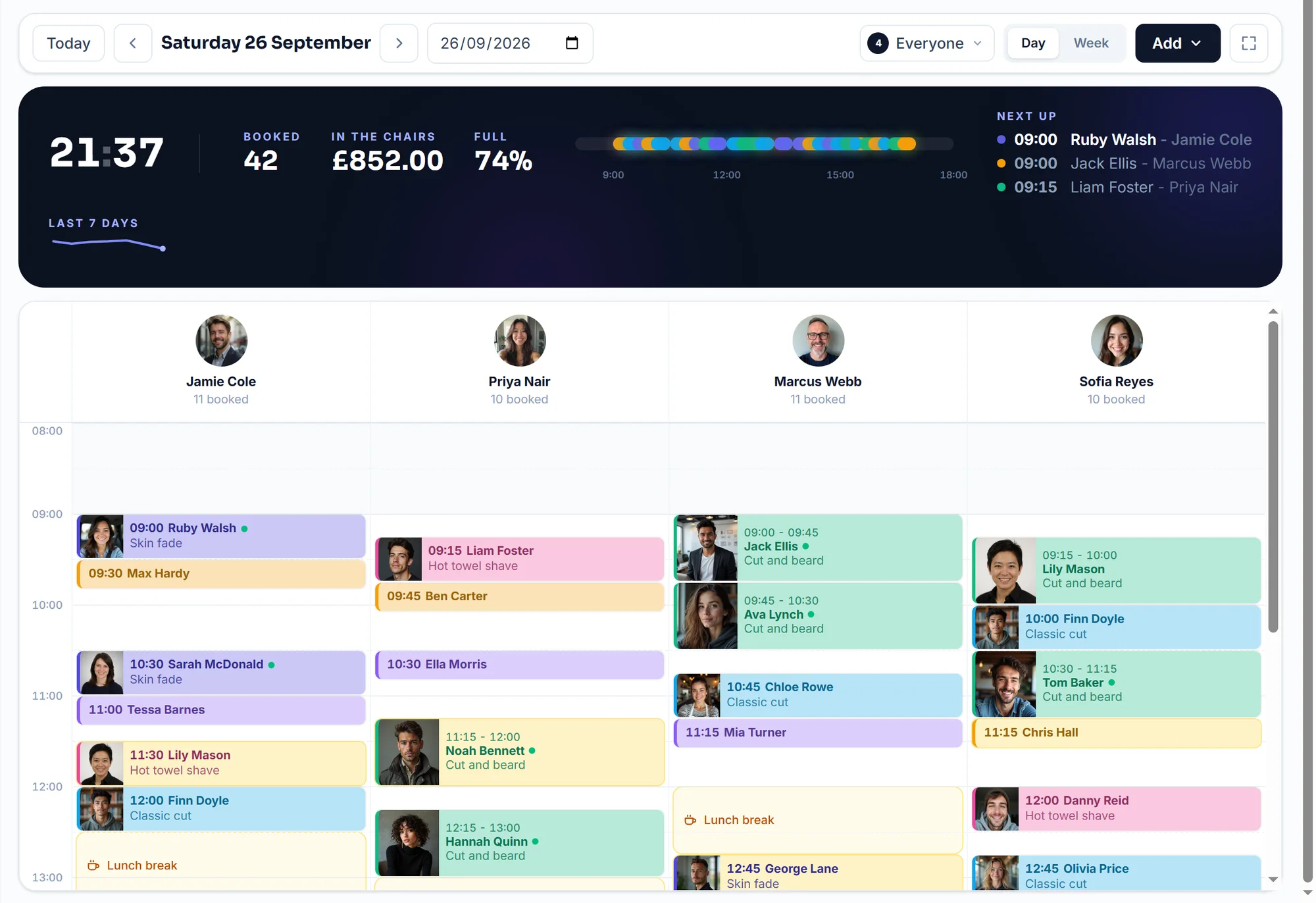
The diary
The screen your workshop lives on.
Columns by bay or by mechanic, an MOT holding its real hour and a service its two, on the screen above the bench from open to close.
Someone running late? Drag their booking to another column or time and drop it. The diary updates and the customer gets the new time by email. (A real screen recording.)
- Drag a booking to a new time - the emails follow it
- Draw across an empty space to book a walk-in
- Done, no-show or cancelled, marked as you go
- One tap makes it full screen for the tablet by the till
Set up in minutes
Three steps and you are taking bookings.
- 01
Answer six quick questions
Pick your trade on screen one and the services, hours, forms and words garages use come filled in. Change anything, then go live.
- 02
Share one link
In your bio, on WhatsApp, or as a printed QR card. Your customers only ever see times that are genuinely free.
- 03
Run the day in the book
Every booking lands in the live diary. Drag to move, draw to add a walk-in, mark done as the day goes.
Filled in for garages on screen one
- MOT, service, diagnostic and tyres, each timed and priced
- Mileage, work done, advisories and parts on every visit record
- A reminder a year after the MOT, with a link to book the next one
- Notes the customer can see on their own page
- Columns named for bays or mechanics, whichever way the workshop runs
Every one of these is a starting point. Change the prices, the hours or the words on the screen where they live, and the booking page updates as you type.
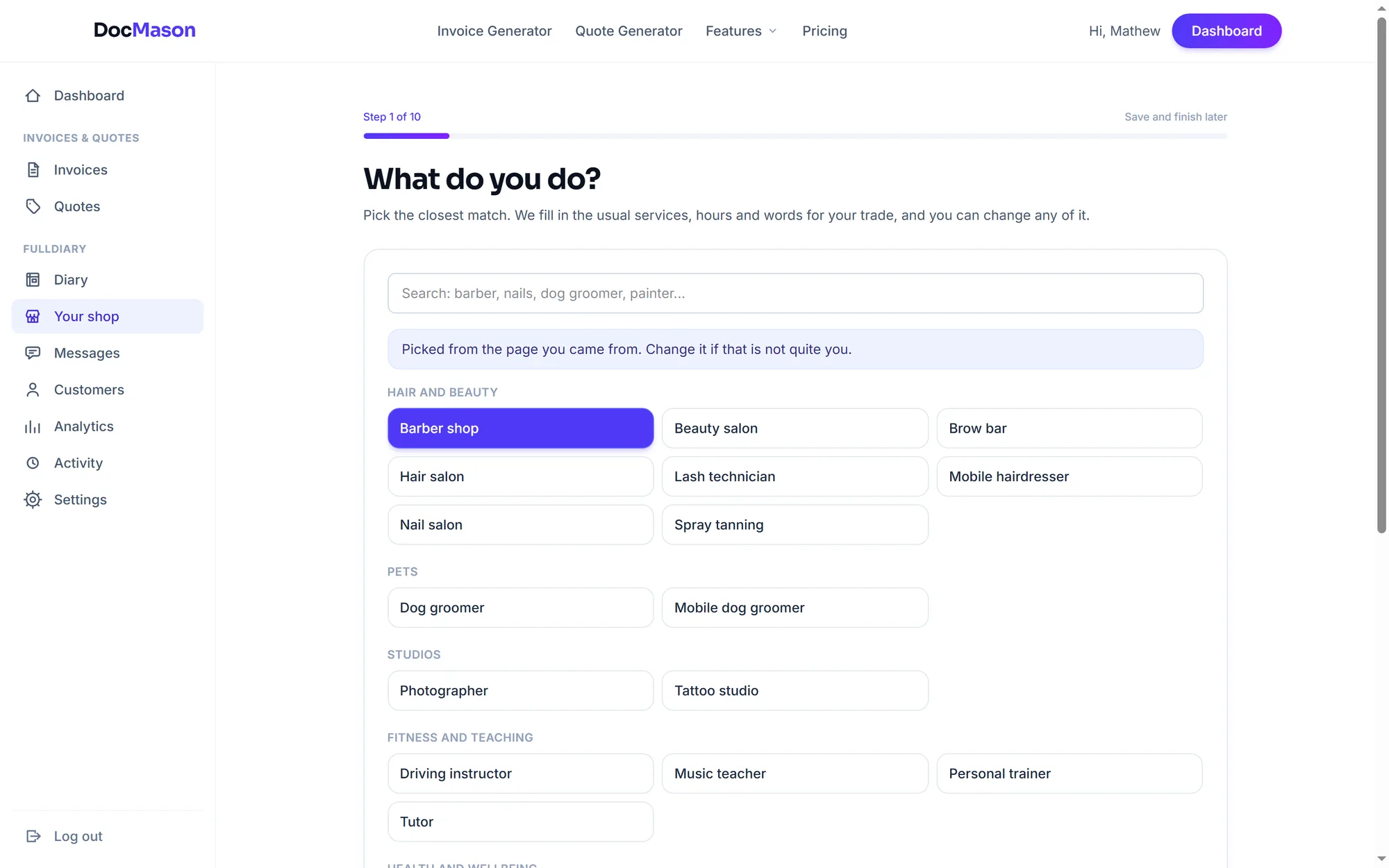
Six questions with garages' answers filled in. Live in minutes, no card.
What comes with it
Everything FullDiary handles for garages.
Before they arrive
- Real slots for real jobsMOT, interim service, full service, diagnostics, each with its own duration and price. An MOT and a service book as one visit.
- Reminders the day beforeBy email, and by text on Pro, so Thursday's MOT turns up on Thursday. Customers move their own booking from the confirmation.
- Deposits on the big jobsA deposit on the long bookings through your own Stripe account. MOTs can stay deposit-free.
- A page that looks like your garageYour logo, colour and photo, your jobs and prices, and the link on your Google listing and your van.
On the day
- Columns by bay or by mechanicName your columns the way the workshop runs, one per bay or one per tech, each with its own hours.
- Phone jobs typed straight inThe trade customer who always rings? Type the booking into the diary in seconds. Saved customers fill their own details.
- Mileage and advisories, on fileFill in the visit record from the diary card: mileage, work done, advisories, parts. There the next time the car is in.
- "Ready for collection", one tapMessage the customer from the booking. They see it on their page and reply into your inbox.
After
- A year on, the MOT reminderOne email with a link to book when the MOT is due again, and a review ask after the visit.
- Finished jobs become invoicesOne click on the diary card turns the job into a draft invoice with the customer and price filled in.
- The numbers, without a spreadsheetBay-hours in the book for the month, takings, your busiest days and what no-shows cost.
Every feature above is live today, and because invoices and quotes are built in, they are on the same login. See every feature.
The overview
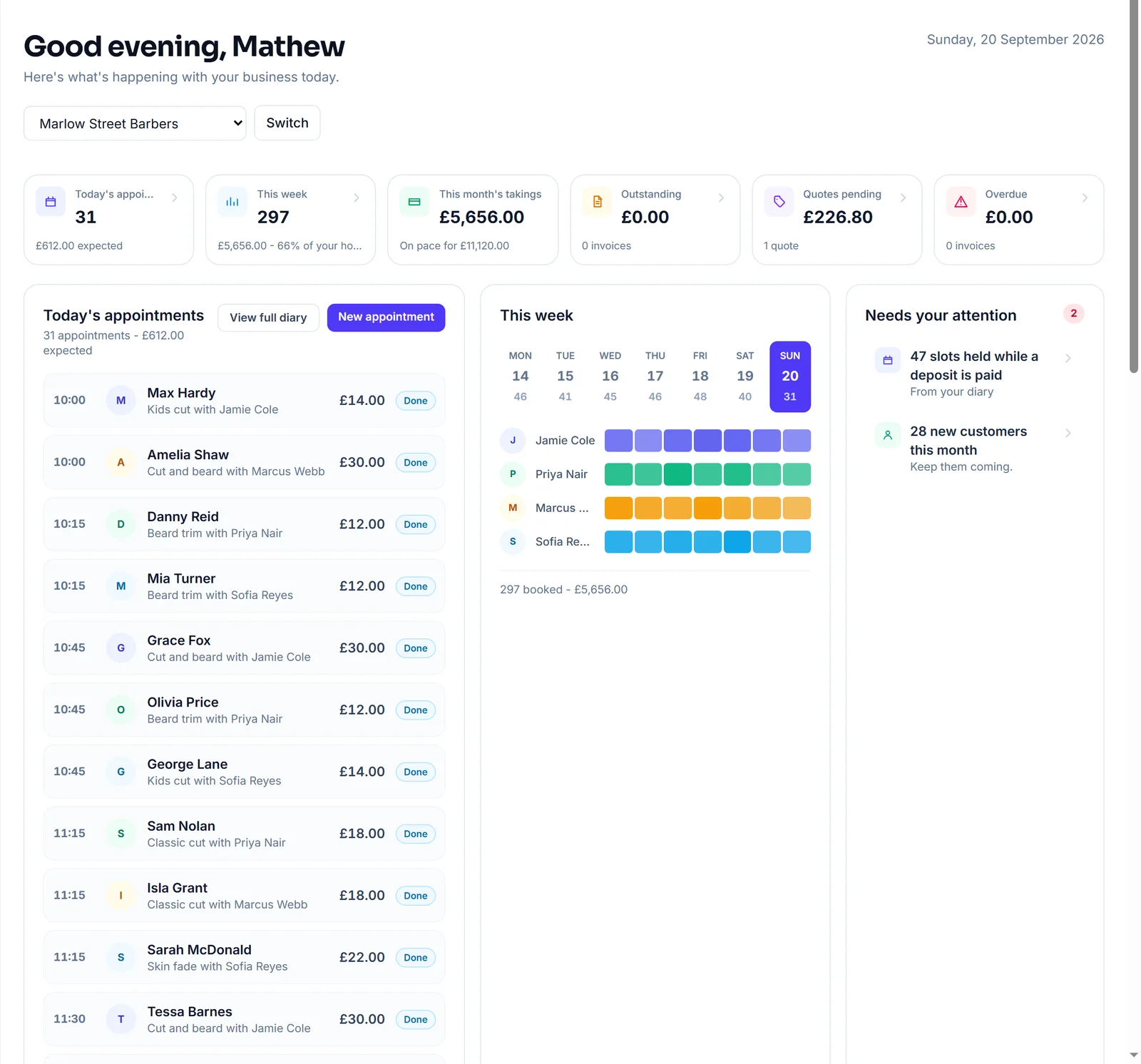
The month's bay-hours, before the month happens
The overview is where the money lives: what is in the book for the next 30 days, the week as coloured bars per bay, takings, deposits held and how many bookings came through your page rather than the phone.
- Money in the book for the next 30 days, in pounds
- Every bay's week side by side, in its colour
- How many MOTs came through your page, and what they were worth
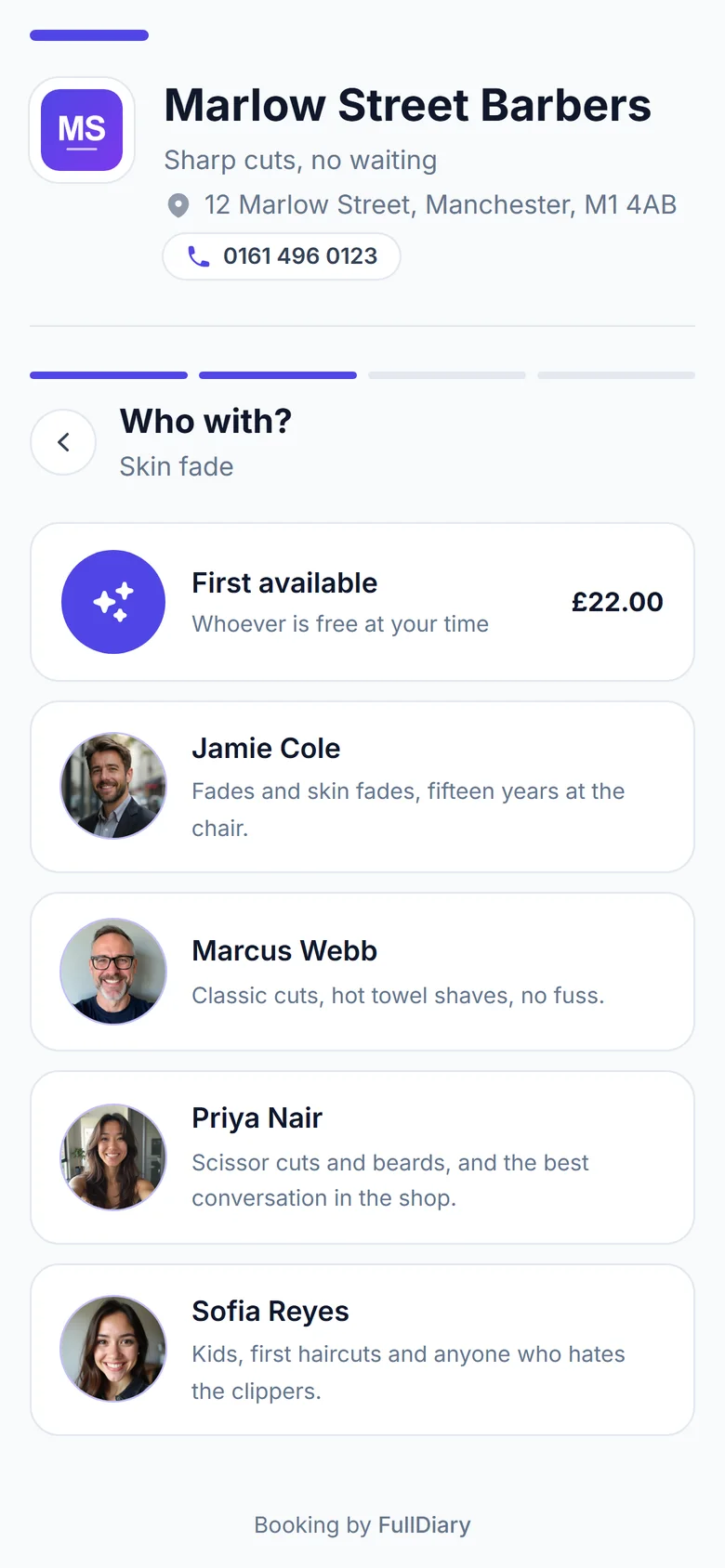
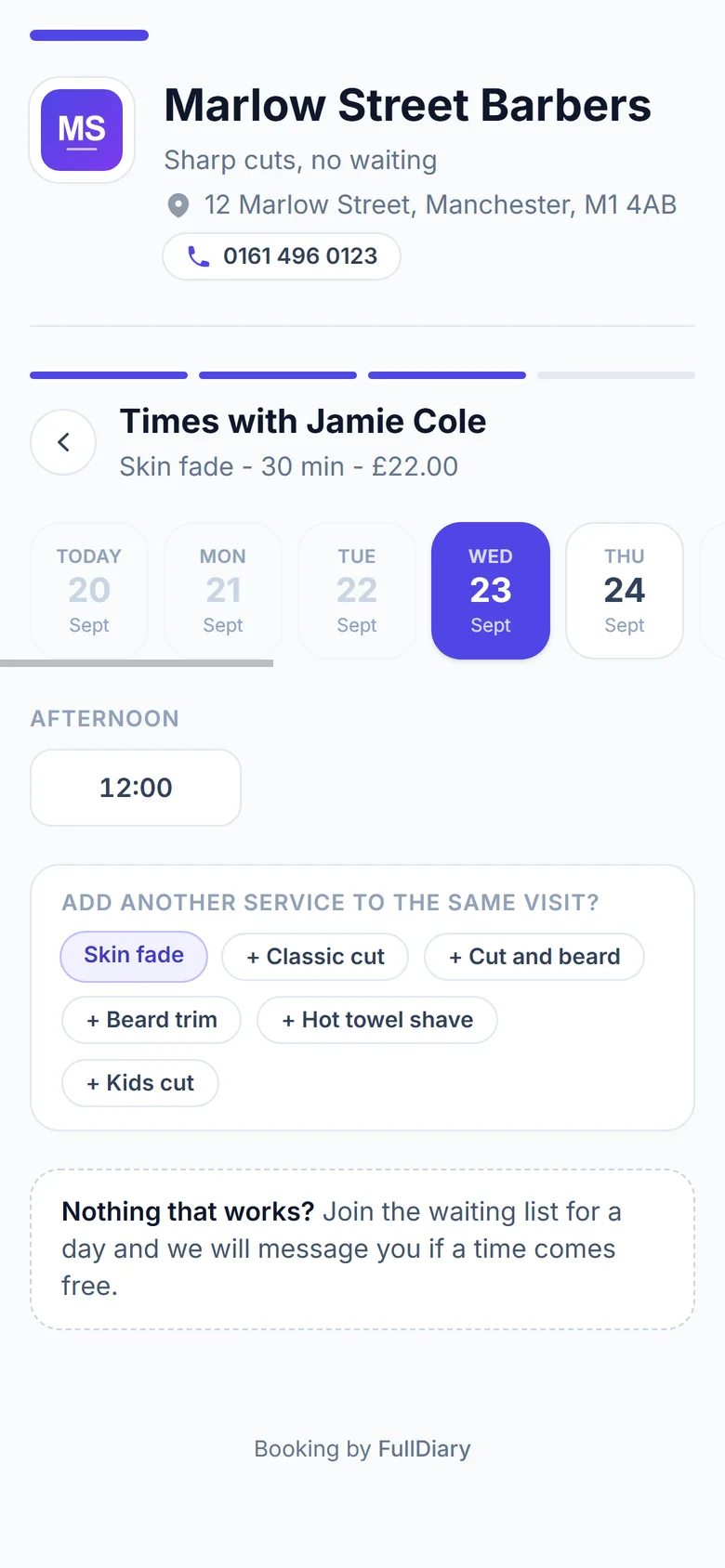
Their side
Your page, on your customers' phones.
Your name, your services, your prices, in your colours. This is what opens when one of your customers taps the link in your bio or scans your QR card. No app, no account, booked in under a minute.
- Real times, not requests: slots come from the live diary's actual gaps
- Nothing to download and no password to invent
- Confirmation lands by email, with add-to-calendar and a link to move it
Businesses using FullDiary
Built for people who are busy running a business.
"FullDiary makes managing bookings simple, organised and completely stress-free."
"Finally, a booking system that doesn't feel complicated. I set everything up in 5 minutes and my clients were booking straight away."
"Our customers love booking online, and we love the simplicity."
Switching is simple
Already using a booking system?
Switch in a few minutes.
Bring your customers with you, answer six quick questions and share your new link. No retyping, no starting again.
Bring your customers
Export your list from your old system and drop it in. We match up the columns and show you before anything imports.
clients.csv
312 customers
- Client nameName
- MobilePhone
- EmailEmail
Works with exports from Fresha, Booksy and spreadsheets.
Set up your page
Six quick questions: what you do, your hours, your services and prices, then go live and make it look like yours.
- Skin fade30 min£22
- Kids cut20 min£14
- Beard trim15 min£10
- + Add a service
Start taking bookings
Share your link on Google, Instagram and WhatsApp, and customers start booking themselves in.
Free to start, no card required.
Why FullDiary
Your business. Your customers. Your money.
No commission.
Keep what you earn. FullDiary doesn't take a percentage of your bookings.
No marketplace.
Customers book directly with your business.
Your customers stay yours.
No competing businesses or marketplace listings getting in the way.
Simple pricing.
One simple monthly price. No surprise booking fees.
Simple pricing
Start free. Upgrade when you need to.
No commission. No contracts. No surprise booking fees.
A one-man workshop starts free and moves to Pro when the book passes 20 a month, which also makes invoices unlimited. Pro is 9.99 GBP a month a person, never more than 39.99 GBP, however many bays: a column and a login for each mechanic, and the whole FullDiary suite on the same account.
Free
£0 forever
20 bookings a month
- Booking page
- Live diary
- QR card
- Reminders
- Messages
- Forms
- Customer import
Pro
£9.99 a person, a month
Never more than £39.99 a month, however big the team
Everything, for you and your whole team.
- Unlimited bookings and stores
- As many people as you need, each with their own login
- 50 text reminders a month for each person
- Packages, discount codes, gift vouchers, gallery and social links
- Unlimited invoices and quotes, card payments and QuoteChaser
- Send with your own branding
- Priority support
Every plan starts free. No card required. No commission on any booking, ever. See the full comparison
FAQs
Questions from garages, answered straight
What it costs, what your customers see, and how FullDiary fits the way garages actually work.
Something else on your mind? Ask a human.
Can the diary run by bay instead of by mechanic?
Yes. Columns are whatever you name them. Add 'Bay 1' and 'Bay 2' as your bookable people, give each its own working hours, and the diary shows the workshop the way you actually plan it.
Does it remind customers their MOT is due each year?
Yes, two ways. The garage setup sets the rebook reminder to a year: anyone whose last MOT was a year ago with nothing booked gets one friendly email with a link to book. And the ordinary reminder the day before the slot they booked, on every plan.
Can I invoice from the booking?
Yes. When a job is finished, one click on the diary card turns it into a draft invoice with the customer and the price already filled in. Invoices and quotes are on the same login, and Pro makes them unlimited.
Can I keep a history on each car?
Yes. Every visit record carries mileage, work done, advisories and the parts used, filled in from the diary card. It sits on the customer's profile, so the advisories from last year are there when the car comes back.
Do customers need an app to book?
No. Your booking page is a link. It opens in the browser, they pick the job and a slot, and the confirmation lands by email with an add-to-calendar file. Walk-ins and phone bookings go straight into the diary at the counter.
Does it work for mobile mechanics?
Yes. Pick Mobile mechanic when you set up and the booking form asks for the customer's address, with a maps link on the diary card. On Pro, add a travel charge under Your van, Booking rules: your own price per mile after any free miles, worked out from the real driving distance and shown before they book.
Is it really free to start?
Yes, and it is not a trial. Twenty bookings a month, with the booking page, the live diary and the QR card included, for as long as you like. No card, nothing expires, and there is never commission on bookings. Pro is 9.99 GBP a month a person, never more than 39.99 GBP, when you outgrow it.
Do my customers need an app?
No. Your booking page is a link. It opens in their browser, they pick a service and a time, and the confirmation lands by email with an add-to-calendar file. Nothing to install on either side, and no password for anyone to forget.