A reminder before the day
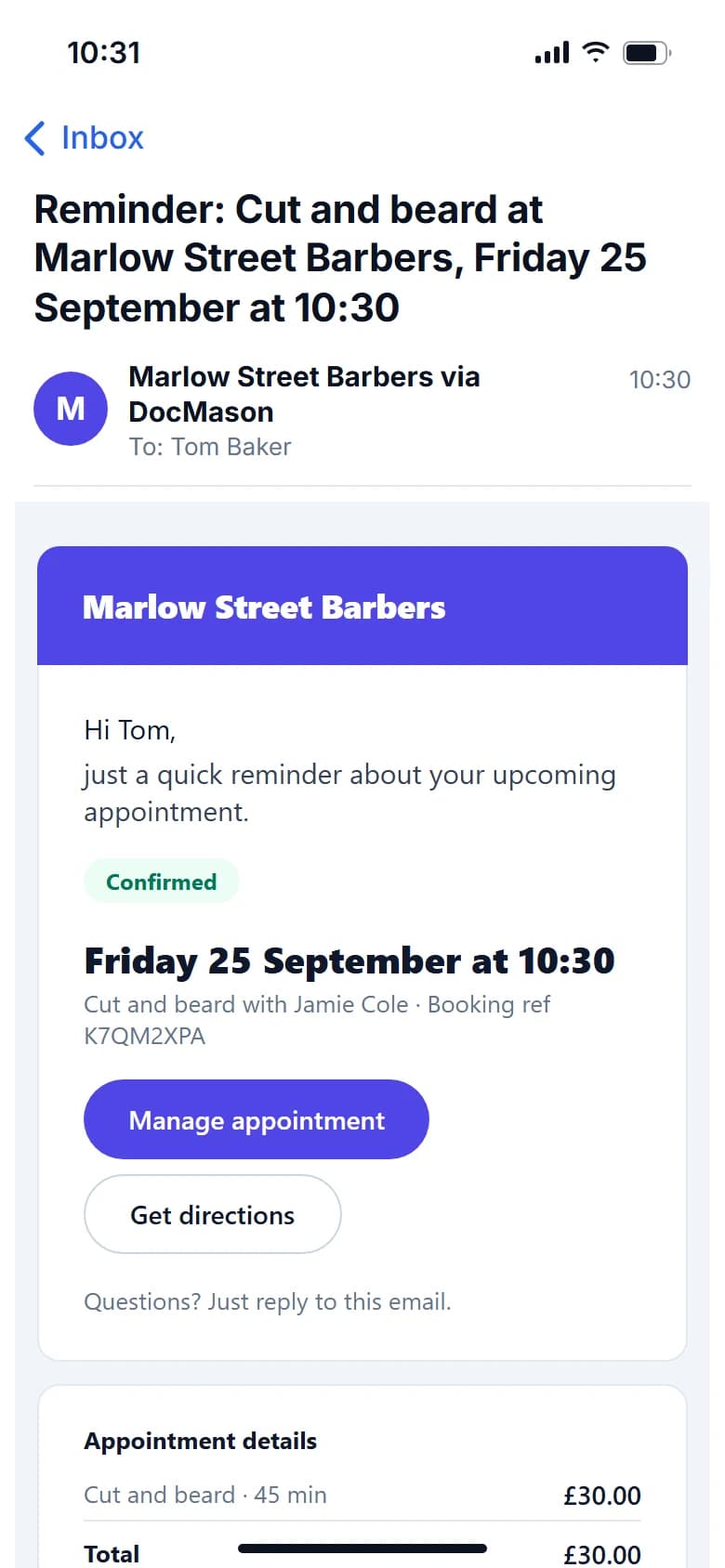
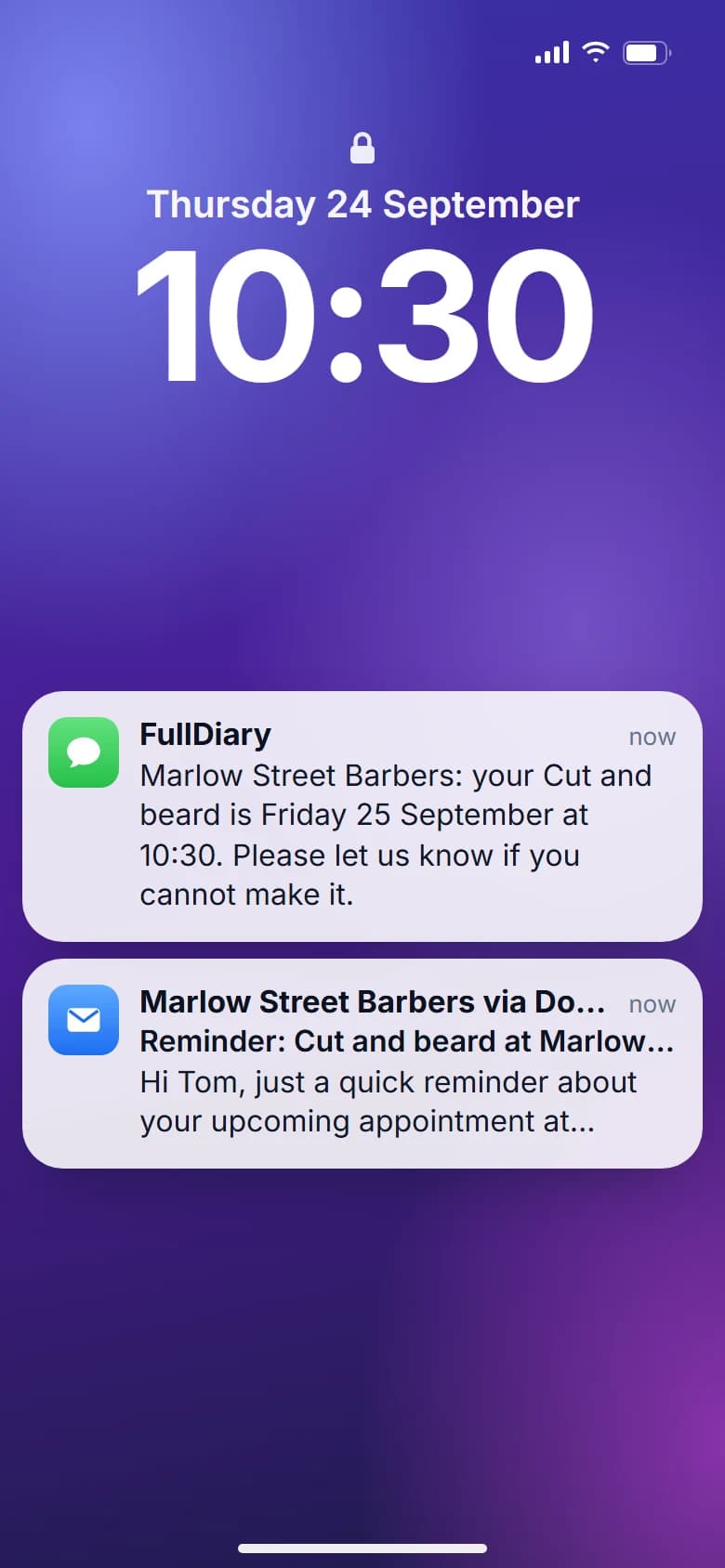
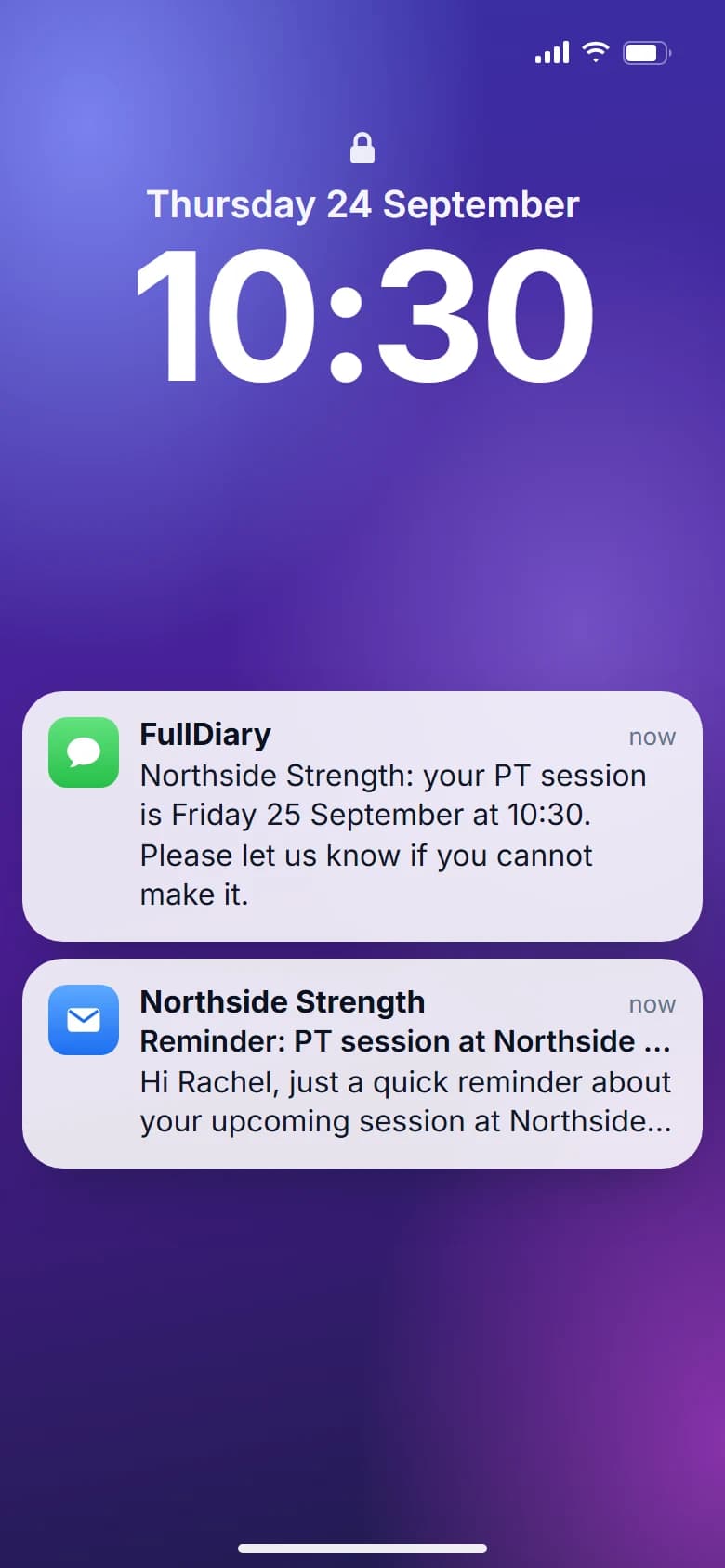
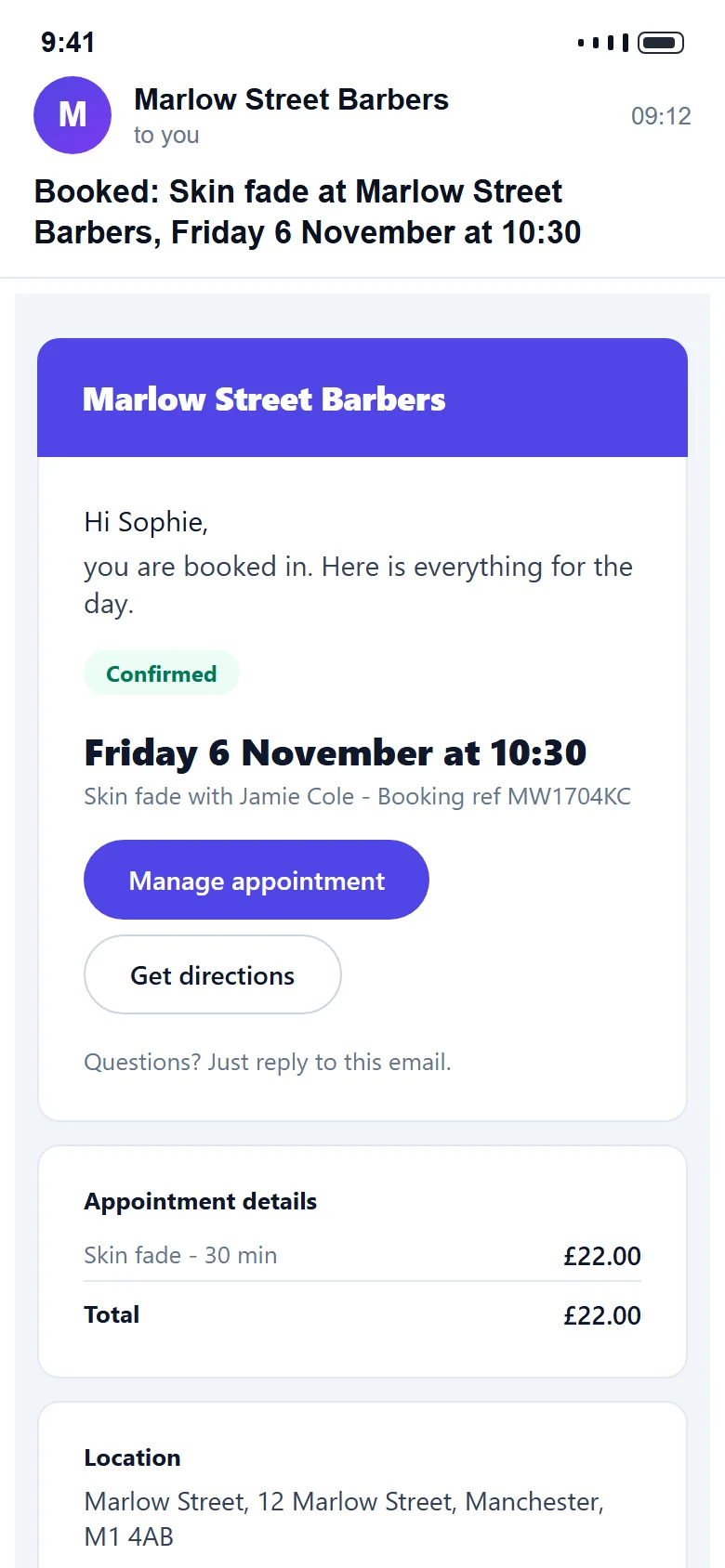
Fewer forgotten appointments. Email reminders go out on every plan, with a link to move or cancel.
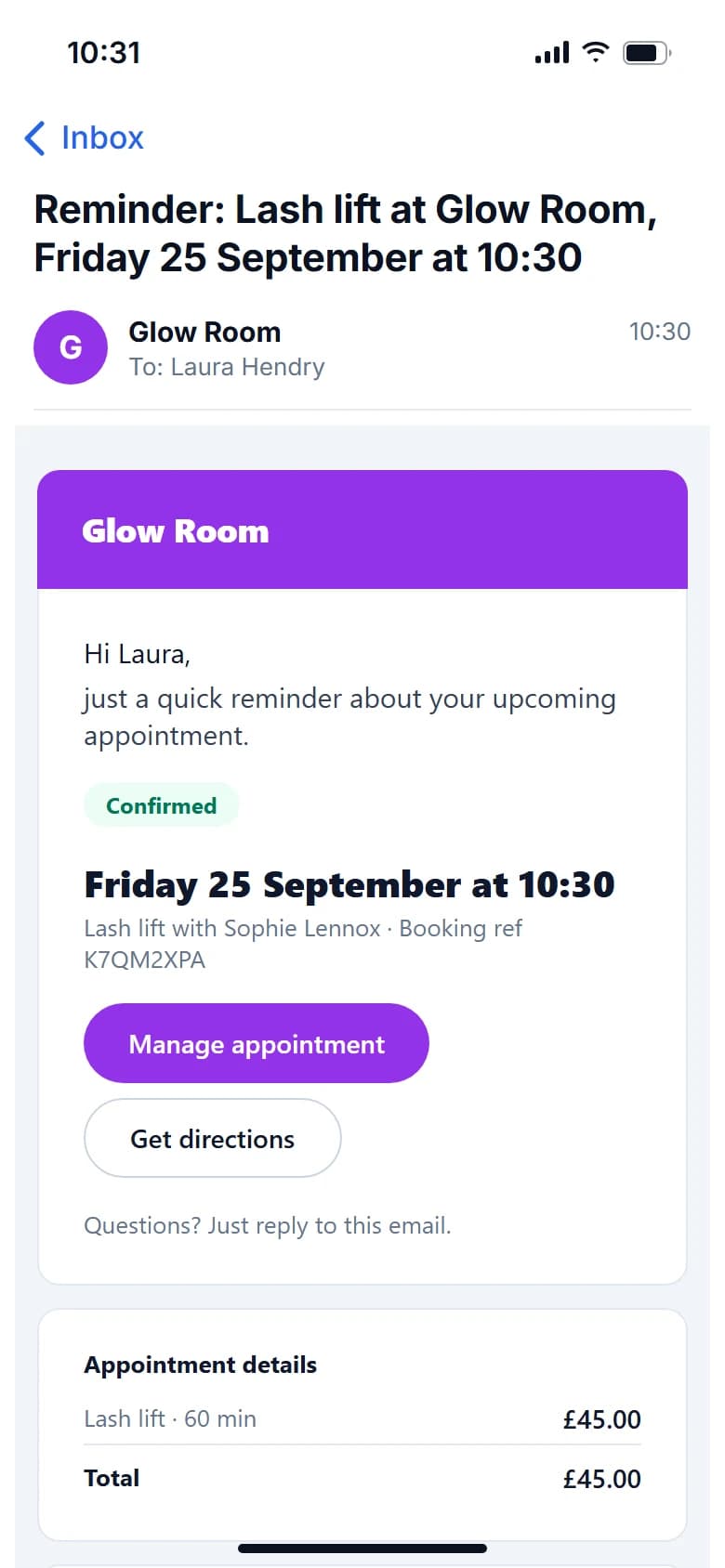
Every booking gets a confirmation and a reminder, with a link to move it themselves. Replies land in one shop inbox, not on your phone.
Pro at £9.99 a month a person, never more than £39.99, with unlimited bookings and never a commission. Free to start, with 20 bookings a month and no card.
What it does
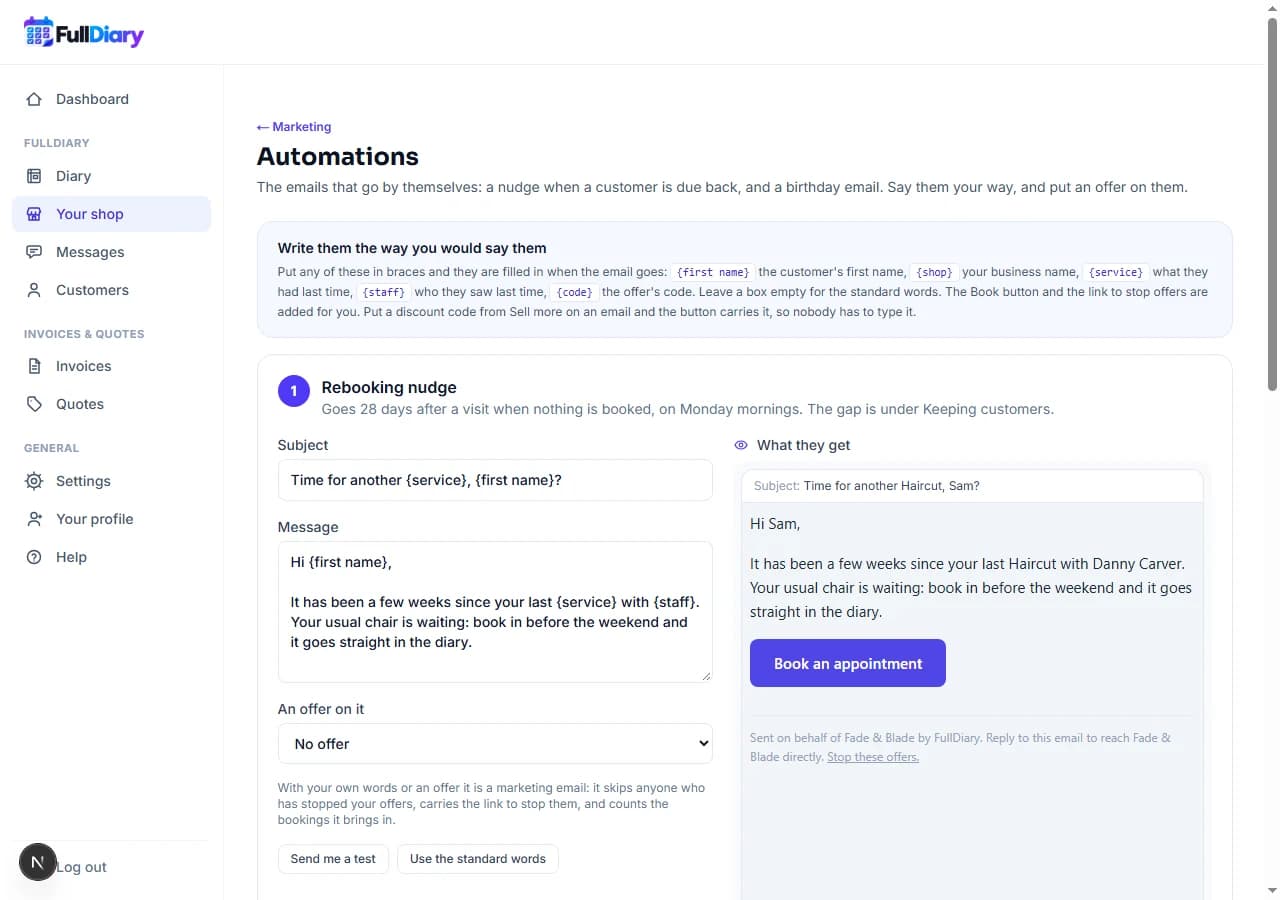
Reminders before the day, a nudge when they are due back, a thank-you after, and one inbox for whatever they say back. All in your name, none of it by hand.
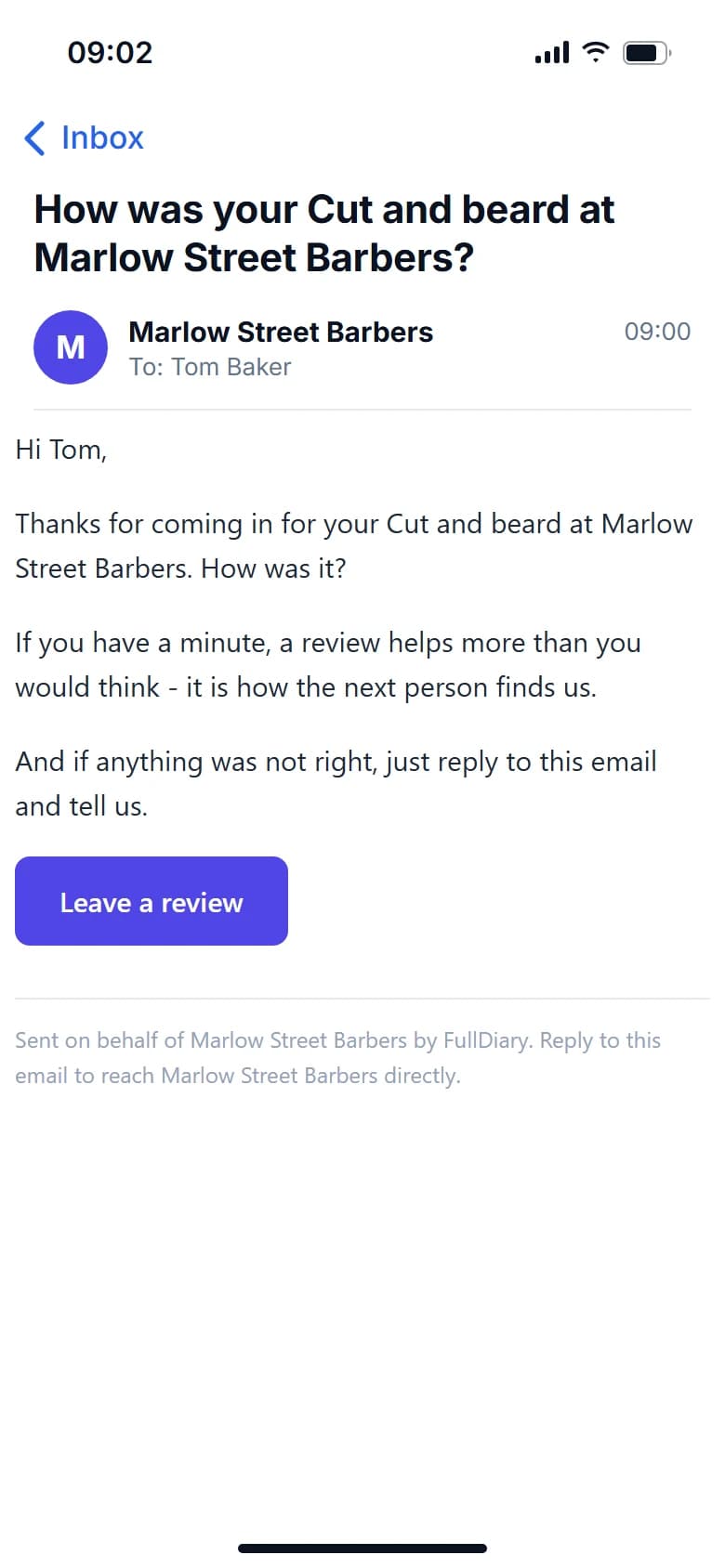
How was your visit?
Thanks for coming in. If you have a minute, a review helps more than you would think.
An example of the day-after email, under its five stars.
50
No charge per message. If you need more, packs start at £5 for 100 and never expire.
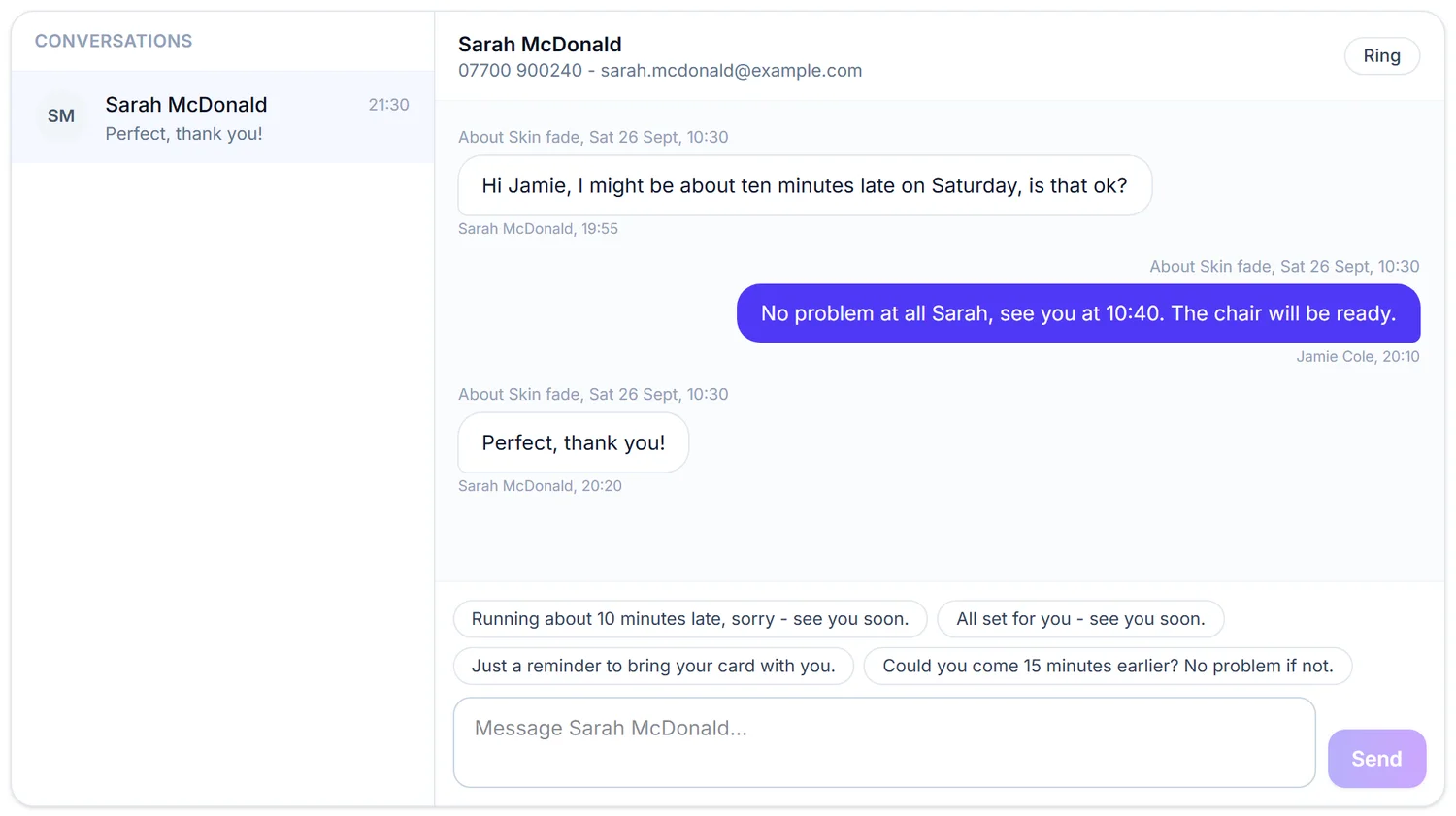
A reply from Marlow Street Barbers
Yes, we can do Friday at 3. See you then.
Open your pageAn example of the email they get.
Your customers
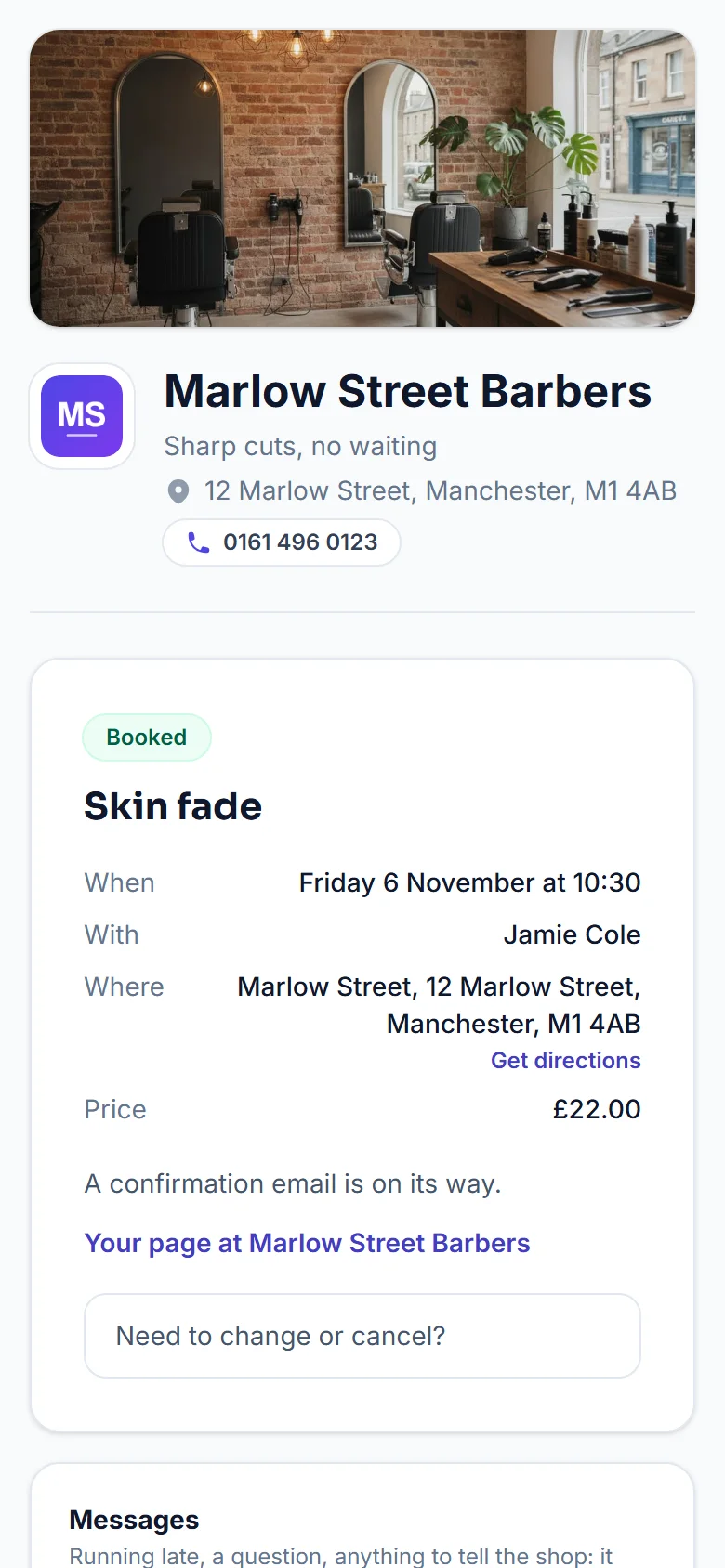
The confirmation, the reminder and their own booking page, in your words and with your name on them.
And there's more
What goes out, when, in whose words, and what comes back.
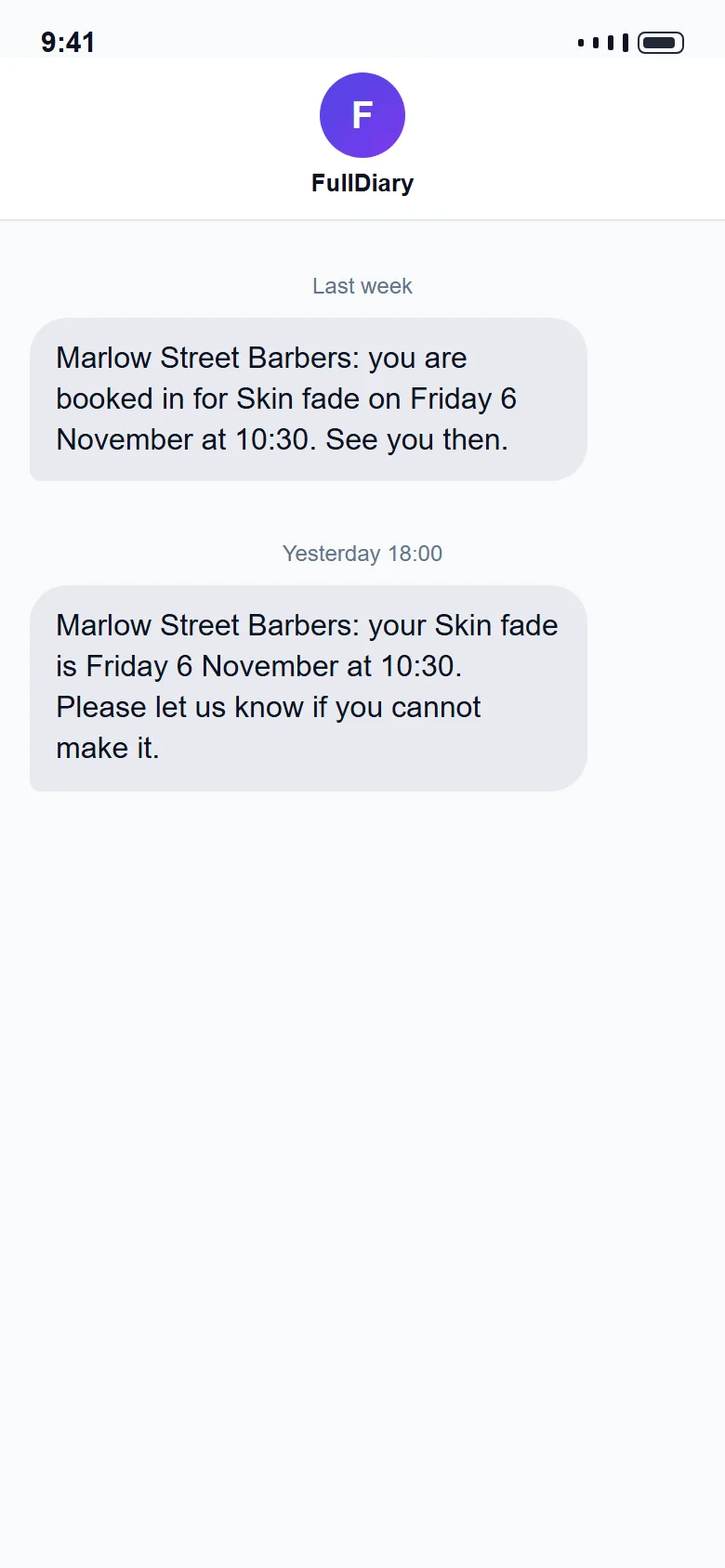
Text a customer their confirmation as soon as you book them in. On Pro.
Put your own words, logo and shop photo on the confirmation, the reminder and the thank-you.
Fill a cancelled slot by offering it to your waiting list or recent customers. The Marketing add-on.
Move a booking and its reminders move with it. Change the service and the reminder reads the new one.
An unread count, a notification in the app and an email nudge if you want one.
When a time frees up, the first person waiting hears about it straight away.
Messaging is included on every plan, with no charge per message. You can switch it on or off in your settings.
Anybody with a login can pick up a conversation, and you choose which roles can message customers.
FAQs
The things people ask about reminders and messages before they sign up.
Something else on your mind? Ask us.
Both, if you want. Email reminders go out on every plan and carry the calendar file and a link to move or cancel. On Pro you can add text reminders too, with 50 a month for each person.
Yes, on Pro. A confirmation text can go straight to their mobile when you book them in, and it comes out of your monthly texts, so you only use one when you choose to.
No. They are on from the first booking. The rebooking nudge is the one thing you choose, because only you know the right gap for your trade.
It arrives in your FullDiary inbox, tied to their booking and their history, and you can answer from there, so your personal number stays yours.
No. Their page is a link in their confirmation email. It opens in any browser with no password.
No. Everything goes through the inbox, and the emails come from your business name.
Yes. The inbox belongs to the business, not to one phone, so anyone with a login can pick up a conversation and it doesn't all land on you.
No, and deliberately. It is a conversation that waits for you, more like email than a chat window, so nobody expects an answer in ten seconds while you are working.
No. Email reminders are free on every plan. Text reminders come out of the monthly allowance your plan already includes, so there is no per-message charge.
Your reminders keep going by email, and the texts start again at the beginning of next month. If you would rather keep texting, you can buy more, from 100 texts for £5, and bought texts never expire. Your dashboard and your inbox warn you before you run out.
While you are here
Ready to get started?
Give your customers an easier way to book, and give yourself a simpler way to run your business.
20 bookings free every month, with no commission and no contract.