
New feature2 minute read
Open an extra evening, or a day you do not usually work
Add open time to your diary for an evening or a day you do not usually work, and customers can book it online. Your usual hours stay as they are.

Director, FullDiary
FullDiary is the booking system for UK small businesses, with an online booking page, a diary and reminders in one place. Each person's hours are set once for the week, and the booking page only offers times inside them. Some weeks need more than that, so you can now open extra time for a single day.
An evening after a normal day
Say you work nine to five and want to see clients from eight to ten on Thursday. Open that time in the diary and Thursday evening goes on your booking page. The hours between five and eight stay shut, and next Thursday is back to normal.
A day you do not usually work
Closed on Sundays but opening for the Sunday before Christmas? Add open time for that day. If your days change from week to week, you can leave your weekly hours switched off and open the days you are in.
How to add it
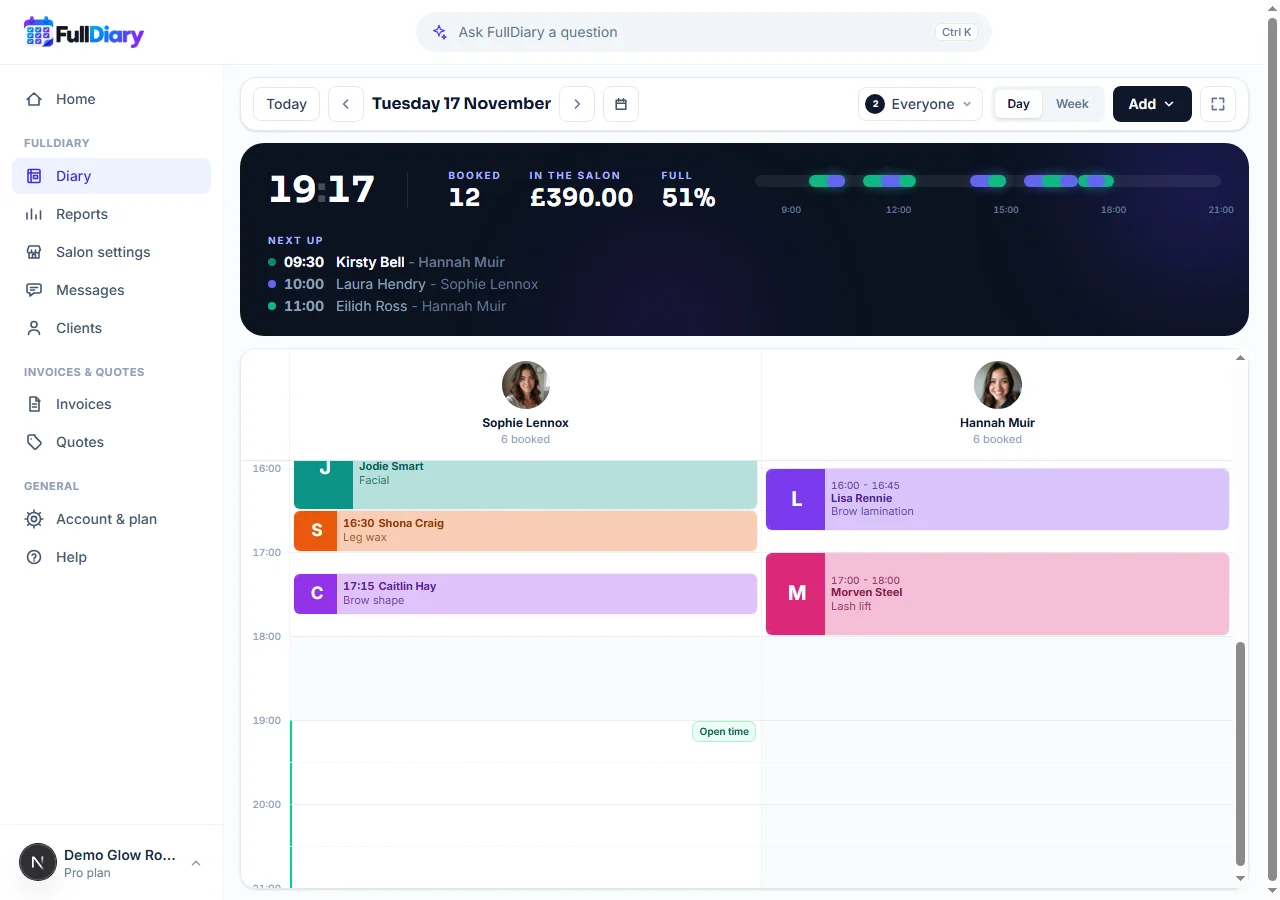
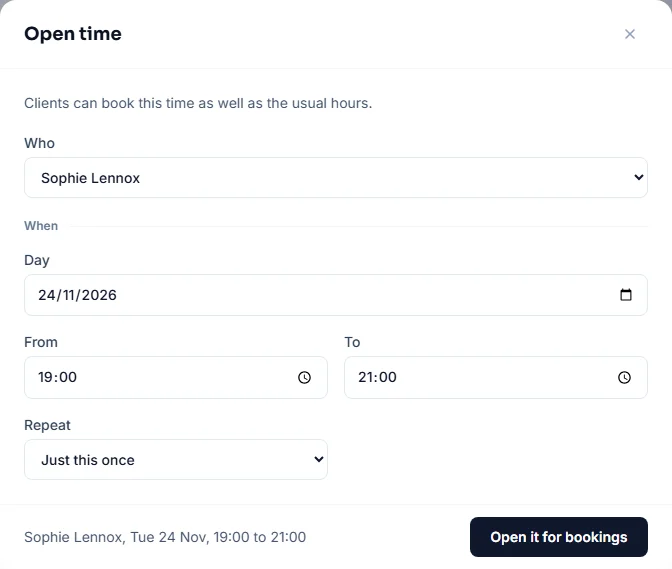
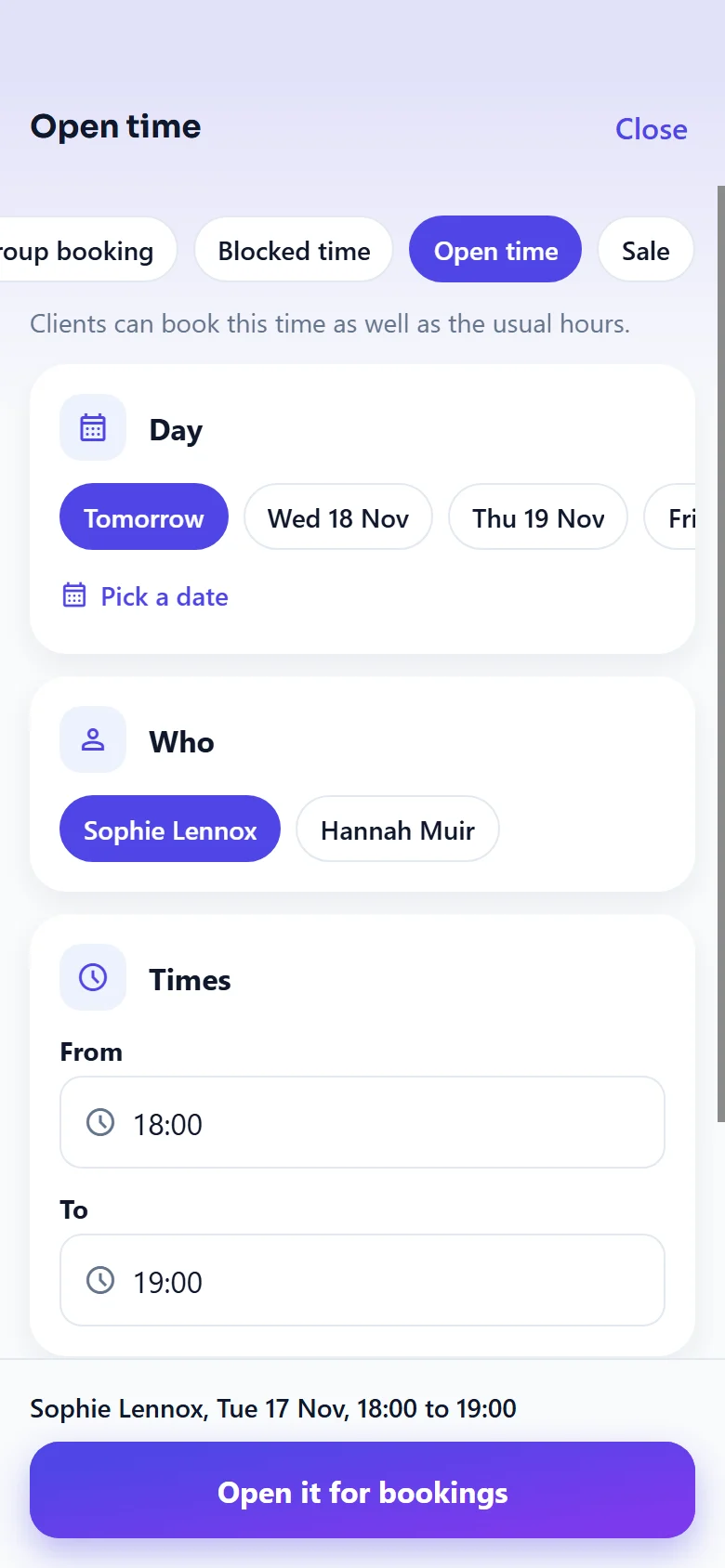
On the website, open the diary, press Add and choose Open time. Or click any shaded time in the diary and choose Open time, and the time is filled in for you. Pick who it is for, the day and the times. To have it every week, choose a repeat and how many times.
Open time shows in the diary as clear time with a small Open time tag where it starts. Click the tag to remove it.
Good to know
- Blocked time still wins. If the same time is blocked, customers cannot book it until the block is removed.
- Only shut time is opened. Add open time across hours you already work and nothing changes for those hours.
- Bookings stay. Removing open time stops new bookings there. Anything already booked stays in the diary.
Questions people ask
- Does open time change my usual hours?
- No. It adds bookable time to the day you choose. Your weekly hours stay as they are, and the following week is back to normal unless you set it to repeat.
- Can I open the same evening every week?
- Yes. Choose a repeat when you add it, every week or every few weeks, and how many times. Each one can be removed on its own.
- What happens to bookings if I remove open time?
- They stay booked. Removing open time only stops new bookings in that time.
- Which plan is it on?
- Every plan, free included.
Read next
Written by
Matt SucklingDirector, FullDiary
Matt is a software engineer with over 15 years of experience. He started FullDiary to build a fairer booking system, and he still builds it himself.